
Does a code graph help a coding agent?
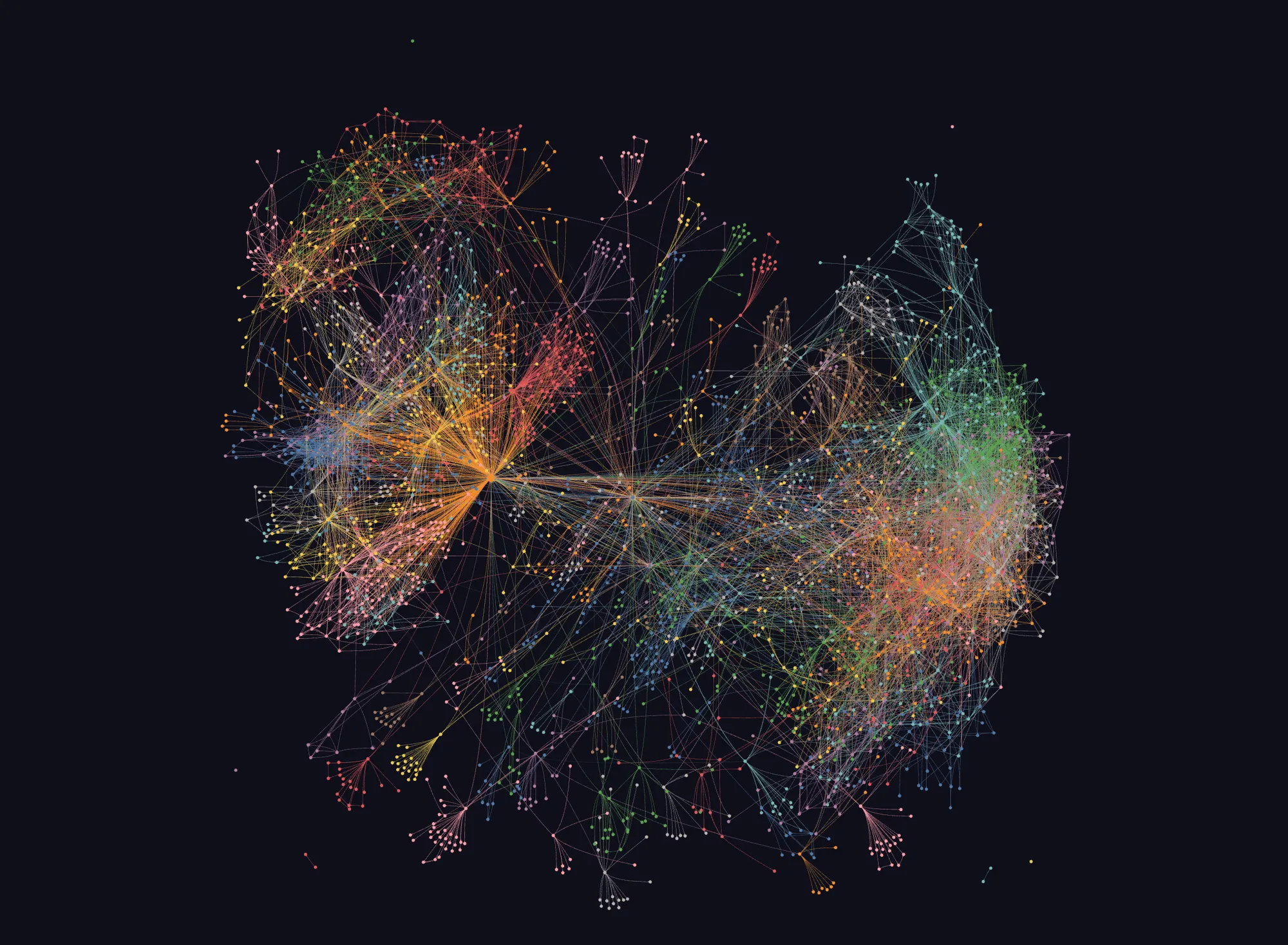
Graphify showed up on GitHub’s daily trending list with 1,434 new stars in one day, about 131k in total, and a new release almost every day. It promises to cut a coding agent’s token use by turning your code into a graph. I tried it on my own game, GonnaCrash. My verdict: it was as correct as plain rg, but no cheaper, slower, and it missed some calls. It’s a good map, not a replacement for search.
Spotted on GitHub trending
Graphify turns a codebase into a graph that a coding agent can query instead of searching files. It parses code with tree-sitter, without any AI model. Functions, classes and files become nodes. Calls and imports become edges. Then it groups the graph into communities and saves it as graph.json. An agent asks questions through the CLI (query, path, explain, affected) or through an MCP server.
The query path is simple. It matches the words in your question against node names, picks the best matches as starting points, then walks outward from them. It does not use embeddings. So it finds names, not meaning.
What Graphify claims
The pitch is fewer tokens. The paid Graphify Cloud tier says it can “cut agent token spend by 80%”. The tool’s own benchmark command says this about my repo:
Corpus: 162,600 words → ~216,800 tokens (naive)Avg query cost: ~1,284 tokensReduction: 168.8x fewer tokens per queryThat sounds great. But the baseline is “read every file in the repo”. No agent does that. A real agent runs rg, then reads a few line ranges.
Graphify’s own benchmarks look strong, but they come from the team’s own test harness. The model that grades the answers is also the model that reads the graph. The code result that matters most to engineers, 82.0% against 70.8% for a grep-and-read agent, rests on only six questions. And the scripts to reproduce the numbers are not in the repo.
What others say
In the Hacker News thread for a Rust port of Graphify, several people doubted that giving a strong model more structure helps at all. Some said it made their agent worse. The most useful comment asked for exactly one thing: a fair comparison against an agent that can just grep. People with very large repos also hit practical limits, like graph files over 600 MB. And the open issues are mostly extraction bugs: missing call edges and merged nodes.
So the question was simple. On my own repo, does the graph beat plain search?
I tried it on GonnaCrash
GonnaCrash is my browser game that teaches system design. It is plain JavaScript and Vite, with about 400 code files. A lot of the engine registers behaviour through calls like defineHint({ id, order, step(c) {...} }).
I built the graph fully offline, with code only and no AI model:
uv tool install --system-certs "graphifyy[mcp]"graphify extract . --code-only --no-clusterGRAPHIFY_BACKEND=none graphify cluster-only .It took 9 seconds for 403 files and gave 3,252 nodes, 10,460 edges and 118 communities. 40 files gave no symbols at all. Most of them only call define*({...}) with object literals.
How I tested
I picked 4 tasks with known answers. I found the right answers with rg first, so I could grade both sides the same way.
| # | Task | Why this task |
|---|---|---|
| 1 | List every call of costOf, with file, line and the function around it | “Who calls X” is the graph’s home ground |
| 2 | How does evaluateRound reach pickNext? | A path question |
| 3 | Which function draws the red circle around the broken part? | Plain words, no code name |
| 4 | Which hint steps does the cache mechanic register? | A define* registry file |
Each task ran in a fresh Claude Code subagent on the Sonnet model, once with each prompt:
- Baseline: do not use Graphify. Use
rg, Read and other normal tools. - Graphify: use the Graphify tools first. Read raw files only for lines the graph found. Use
rgonly if the graph is not enough.
I measured total tokens, tool calls, time and correctness. Round 1 used the Graphify CLI. Round 2 used the Graphify MCP server, on a graph rebuilt to the latest commit.
Results
Round 1, CLI:
| Task | Baseline (rg + Read) | With Graphify | Correct? |
|---|---|---|---|
1. Callers of costOf | 87,149 tokens · 4 tools · 20 s | 86,796 · 7 · 31 s | Both, 7 of 7 |
2. evaluateRound to pickNext | 82,973 · 2 · 13 s | 86,286 · 5 · 23 s | Both |
| 3. The red circle | 83,504 · 4 · 16 s | 86,975 · 6 · 23 s | Both |
| 4. Cache hint step | 83,070 · 3 · 16 s | 84,867 · 2 · 13 s | Both |
| Total | 336,696 · 13 · 65 s | 344,924 · 20 · 90 s |
Round 2, MCP server:
| Task | Baseline (rg + Read) | With Graphify MCP | Correct? |
|---|---|---|---|
1. Callers of costOf | 90,640 · 6 · 25 s | 97,303 · 7 · 27 s | Both, 7 of 7 |
2. evaluateRound to pickNext | 89,342 · 4 · 17 s | 97,327 · 9 · 30 s | Both |
| 3. The red circle | 87,407 · 4 · 18 s | 96,235 · 6 · 22 s | Both |
| 4. Cache hint step | 86,706 · 2 · 10 s | 91,999 · 4 · 17 s | Graphify better (see below) |
| Total | 354,095 · 16 · 70 s | 382,864 · 26 · 96 s |
About 80,000 tokens of every run is fixed start-up context. Only the last few thousand tokens are the task itself. In that part, the CLI runs used 2,000 to 3,500 more tokens than the baseline in tasks 2 and 3, and about the same in tasks 1 and 4. The MCP runs used 5,000 to 9,000 more in every task. MCP costs more because the agent first loads the tool definitions, and the answers come back as larger JSON.
In task 4 of round 2, the baseline agent stopped after one rg and guessed when the step fires. The MCP agent read the step body. I count that as noise in how far an agent reads, not a graph win: the graph only gave the file.
Where the graph fell short
- It missed calls through a namespace import. The UI imports the engine as
import * as H from '../engine/index.js'and callsH.costOf(...).graphify affected "costOf"listed 5 callers and missed those 3 calls. This is a known gap: an open issue reports the same missing call edge for TypeScript namespace imports. The agent noticed and fell back torg. An agent that trusted the graph would have given a wrong “complete” list. For a “what breaks if I change this” question, that is the worst kind of answer. - Inner functions have no node.
pickNextis an arrow function insideflow(). Sopathandexplainfound nothing for it. - Plain-word questions match words, not meaning. My question about “the fail circle on the board” matched the word “board” and returned test helpers, not the function that draws the circle.
- Registry files are invisible. Files that only call
defineHint({...})and similar give no symbols. So “what does this mechanic register” is outside what the graph knows. - Every Graphify run still used
rg. All 8 Graphify agents said they neededrgtoo. The graph became an extra first step, not a replacement.
The MCP server did not fix any of this. The gaps are in the graph, not in the interface.
Where it helped
- When the name is exact and the function sits at the top level,
graphify explaingives the definition and every link with file and line in one call. That is a good map. - It added useful context nobody asked for. In task 3 it also found where the circle is set, and in task 2 it showed the
walk()step betweenflowandpickNext. - A walk from a known file worked. In round 2, after the plain-word query failed, starting from
board.jsand listing its neighbours led straight to the right function. - Setup was easy and fully local: no account, no API key, and no code sent anywhere.
What this test can’t tell you
- It is small: 4 tasks, one run each, one model. Noise could change the small differences.
- Lookup tasks favour
rg. A graph may do better on broad questions, like “what is affected if I change this module” or “how do these two subsystems connect”. - GonnaCrash has clear, unique names, which makes
rgstrong. A repo with generic names may behave differently. - It is JavaScript. Typed languages may give the extractor more complete call edges.
- I didn’t install Graphify’s Claude Code skill. It adds a rule and a hook that push the agent to the graph more often.
My verdict
On a JavaScript repo with clear names, a code graph did not make my agent faster or cheaper. rg plus reading a few lines was as correct, and simpler. That matches the doubt people raised: a strong model with good search does not need much help finding things in a well-named repo. The 168.8x number is real arithmetic with the wrong baseline, so don’t use it to justify the tool.
I still like the design: a fully local build, labelled edges, and a hard token budget on every answer. Its best move was a walk from a known file. So I’d use Graphify as a map for exploring an unfamiliar repo, not as a replacement for search. And I’d never trust its “affected” list as complete without an rg check, at least until it handles namespace imports and inner functions.
Next, I want to try the case where a graph should win: broad refactor planning across many files, with each task run 3 times to see the noise. If you run the same test on your repo, I’d like to compare notes.
Cheers.
Sources
- Graphify on GitHub (opens in new tab)
- Graphify docs (opens in new tab)
- Graphify ARCHITECTURE.md (opens in new tab)
- graphify/serve.py (query path) (opens in new tab)
- Graphify BENCHMARKS.md (opens in new tab)
- Hacker News discussion of a Graphify port (opens in new tab)
- Graphify issue #4619: namespace imports produce no calls edge (opens in new tab)